
Welcome to the Liberty Rugby Club 2025–2026 Season Registration!
Liberty Rugby Club is excited to kick off another fun and rewarding season with our amazing players and rugby families. See practice dates and times here. By registering, you’re not just securing your player’s spot on the team—you’re also ensuring they’re fully registered with USA Rugby and Rugby Washington, both essential for participating in games and events.
This season, some fees have increased at the state, national, and Rugby Xplorer levels — costs that are outside of our club’s control. While Liberty Rugby has kept our own club fee the same, these external increases are now reflected in the total registration cost.
We remain committed to keeping rugby affordable and accessible for all kids. If registration costs create a hardship for your family, please reach out — financial assistance is available. Our goal is for every child who wants to play rugby to have the opportunity to do so.

$165 Flag Rugby (U10)
$198 with fees
Learn the Fundamentals and Have Fun!
✓ Introductory rugby program designed for kids ages 5-10.
✓ Focuses on skill development, teamwork, and sportsmanship.
✓ Safe, non-contact environment with plenty of fun!
$180
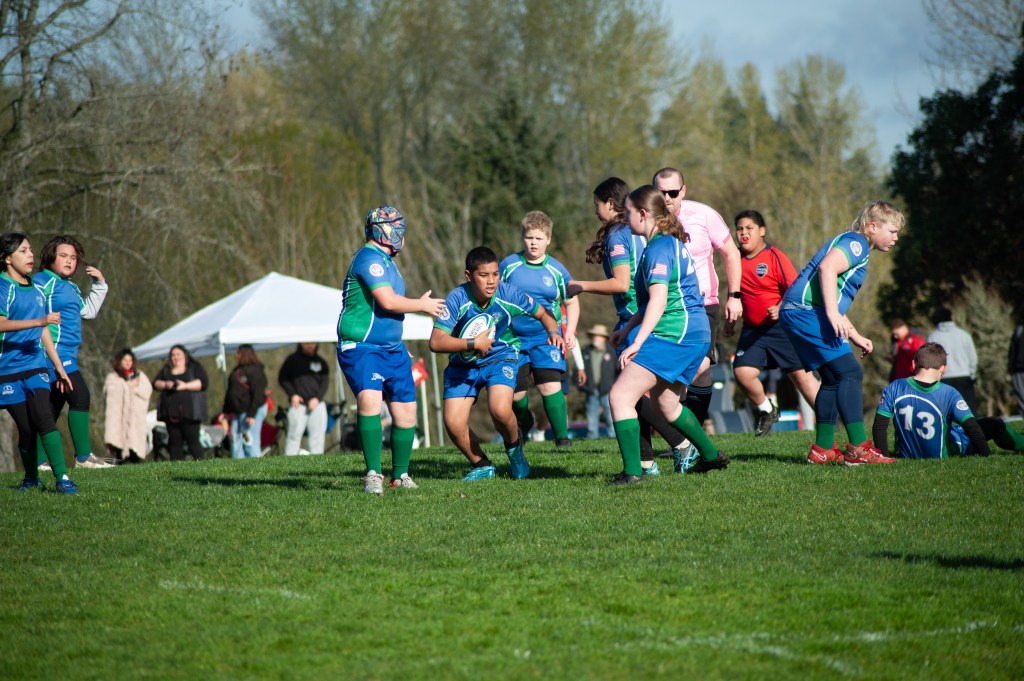
Youth (U12)
$272 with fees
Building Skills & Confidence on the Field!
✓ Perfect for players ready to enhance their rugby skills.
✓ Includes basic game strategies and team coordination.
✓ Encourages a positive, supportive environment.
$240
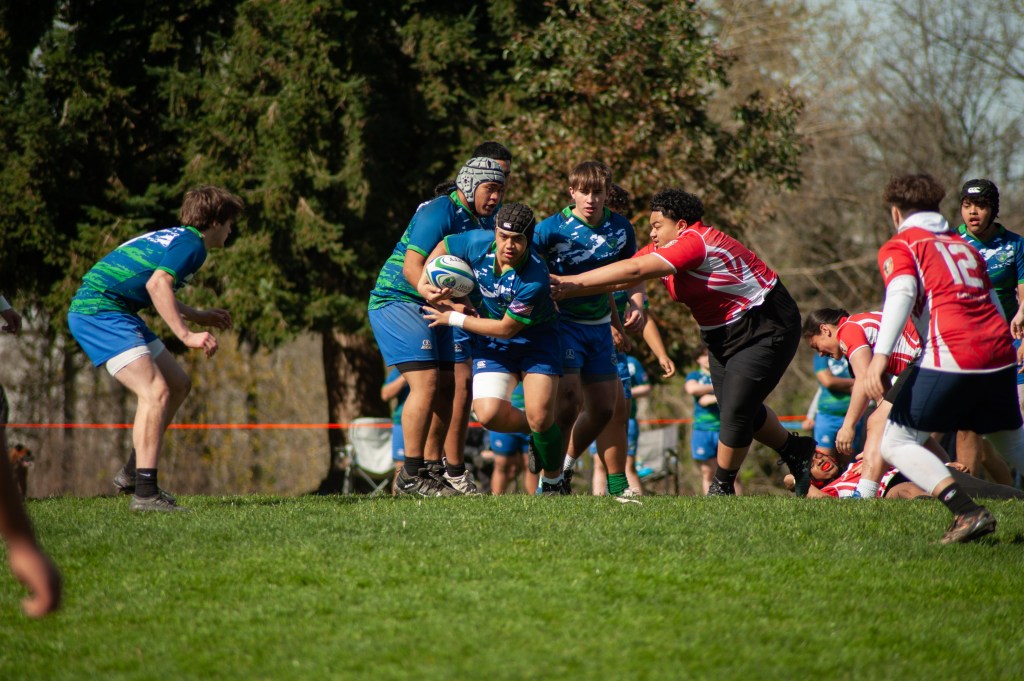
Middle School Boys
$334 with fees
Preparing for Competitive Rugby Play!
✓ Focuses on advanced techniques and teamwork.
✓ Introduces competitive game scenarios and strategies.
✓ Builds character, leadership, and discipline.

$240
U15 Girls
$334 with fees
Empowering Young Women in Rugby!
✓ Combines skill development with leadership opportunities.
✓ Competitive play designed to prepare for high school rugby.
✓ Inclusive and supportive environment for all players.
Note: $240 after Jan 1, 2025

$295
High School Boys
$406 with fees
The Next Generation of Rugby Leaders!
✓ Advanced skills training with competitive matches.
✓ Prepares players for higher-level rugby opportunities.
✓ Builds resilience, discipline, and leadership skills.

$295
High School Girls
$406 with fees
Elevating Performance On and Off the Field!
✓ Advanced rugby training with a focus on competitive play.
✓ Leadership-building opportunities for young women athletes.
✓ A pathway to college and club-level rugby opportunities.
 Liberty Rugby Club